Overview
Foodlay Deliveryman App is a complete, production-ready application for delivery partners built with Flutter for Android and iOS.
- A full delivery app with login, orders, maps, and chat
- GoRouter-based navigation with a dashboard (Home, Orders, Account)
- Localization, theming, DI, and Firebase messaging integrated
Basic Usage
- Sign in and switch to online mode
- Accept incoming delivery requests
- Navigate to pickup, update status, deliver order
- Review completed orders and earnings
Requirements
- Flutter 3+
- Dart 3+
- Android Studio or Xcode
- Devices or emulators
Backend Requirements
- PHP ≥ 8.2
- Composer ≥ 2.5
- Node.js ≥ 18.x
- MySQL 8.0+ or MariaDB 10.5+
Setup
Get dependencies
flutter pub get
Generate code
flutter pub run build_runner build --delete-conflicting-outputs
Quick Start
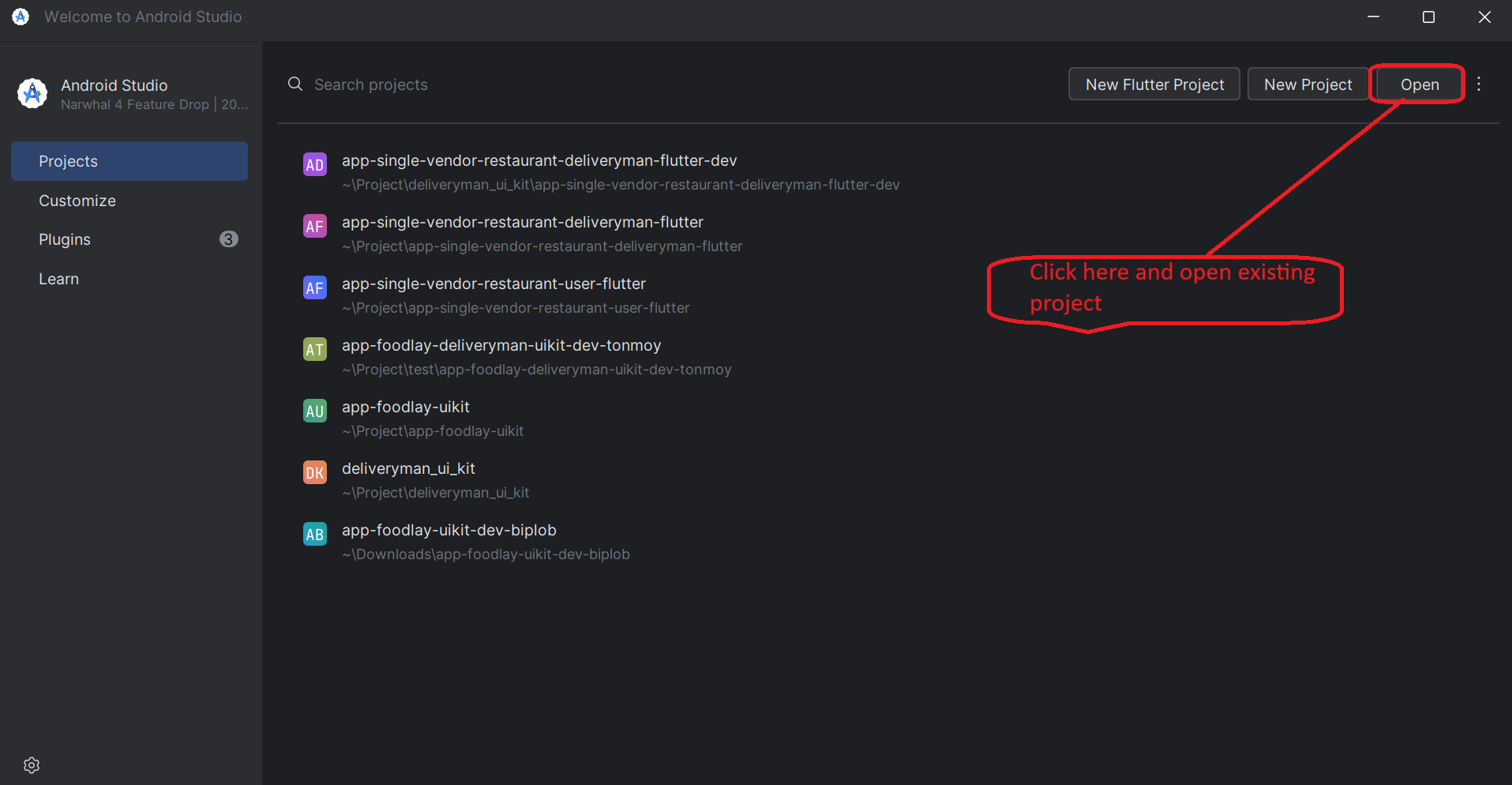
- Open the project in Android Studio or VS Code
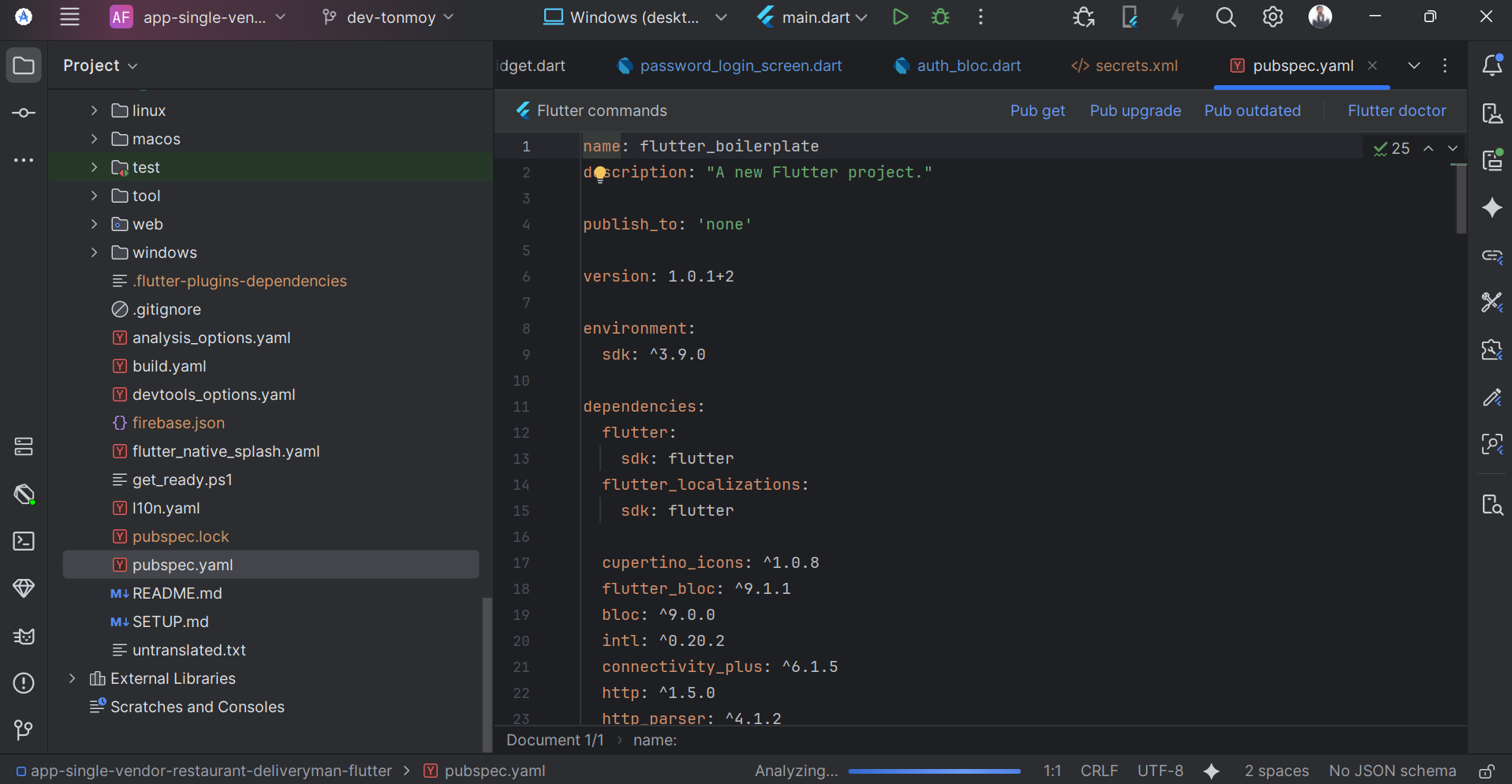
- Install dependencies: flutter pub get
- Prepare emulator/device and sign in
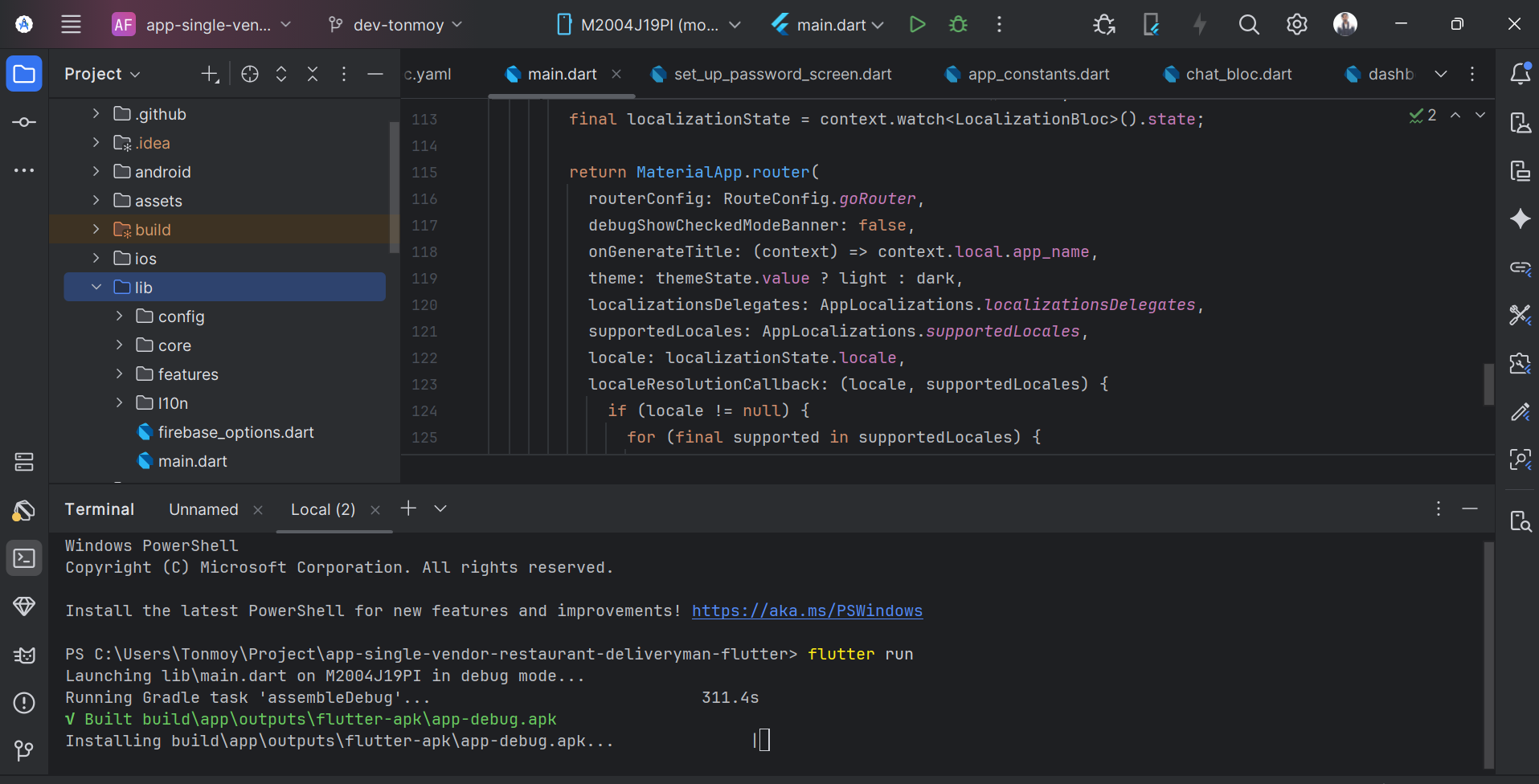
- Run the app: flutter run

Configuration
Firebase
These configuration files contain sensitive credentials. Do not commit them to
source control.
- Android: android/app/google-services.json
- iOS: ios/Runner/GoogleService-Info.plist
- Generate lib/firebase_options.dart via FlutterFire CLI
dart pub global activate flutterfire_cli
firebase login
flutterfire configure
Android Secrets
- Create android/app/src/main/res/values/secrets.xml
- Keys: google_maps_api_key, facebook_app_id, facebook_client_token
<resources>
  <string name="google_maps_api_key">YOUR_KEY</string>
  <string name="facebook_app_id">YOUR_APP_ID</string>
  <string name="facebook_client_token">YOUR_TOKEN</string>
</resources>
Server API Base URL
- Set the server API base URL used to fetch data (root of your Laravel backend)
- Edit lib/config/util/app_constants.dart and set baseUrl to your backend domain
- No trailing slash; endpoints are appended (e.g., /api/v1/...)
- Local development hosts:
- Android emulator → http://10.0.2.2:8000 (or your backend port)
- iOS simulator → http://localhost:8000 (or http://localhost:8888 for MAMP)
- Ensure your backend allows CORS for the app’s origin during development
lib/config/util/app_constants.dart
static const String baseUrl = 'https://example.com';
- HTTP client composes requests as baseUrl + endpoint path
- See lib/core/data/api/api_client.dart (Uri.parse(appBaseUrl + uri))
- Optional per-environment base URL:
- Edit lib/core/dependency_injection/dependency_module.dart and switch env in lib/main.dart
lib/core/dependency_injection/dependency_module.dart
@Named('appBaseUrl') @dev  String get devBaseUrl  => 'https://dev.example.com';
@Named('appBaseUrl') @prod String get prodBaseUrl => 'https://api.example.com';

lib/main.dart
await configureDependencies(env: Environment.prod);
Maps API Key
Restrict keys to your package/bundle and enable required Maps SDKs.
- AndroidManifest.xml:
<application>
  <meta-data
      android:name="com.google.android.geo.API_KEY"
      android:value="@string/google_maps_api_key"/>
</application>
- iOS Info.plist:
<key>GMSApiKey</key>
<string>YOUR_IOS_API_KEY</string>
Android & iOS Config
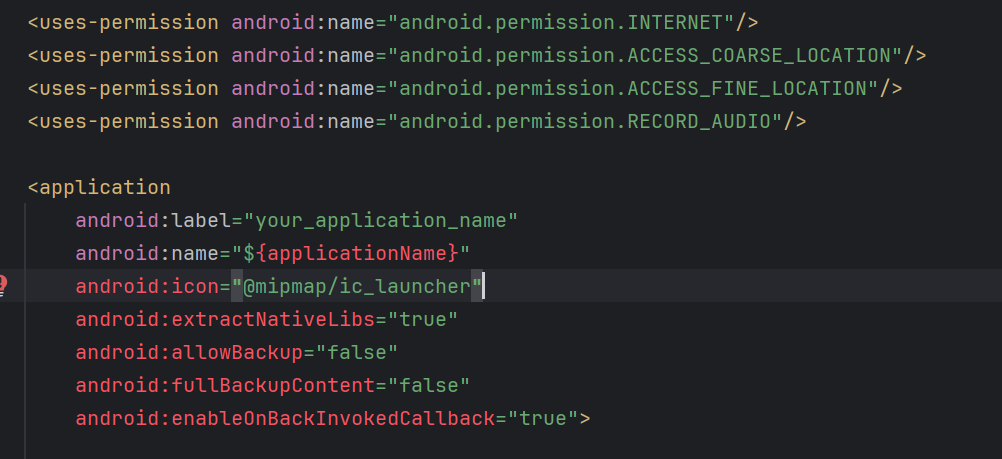
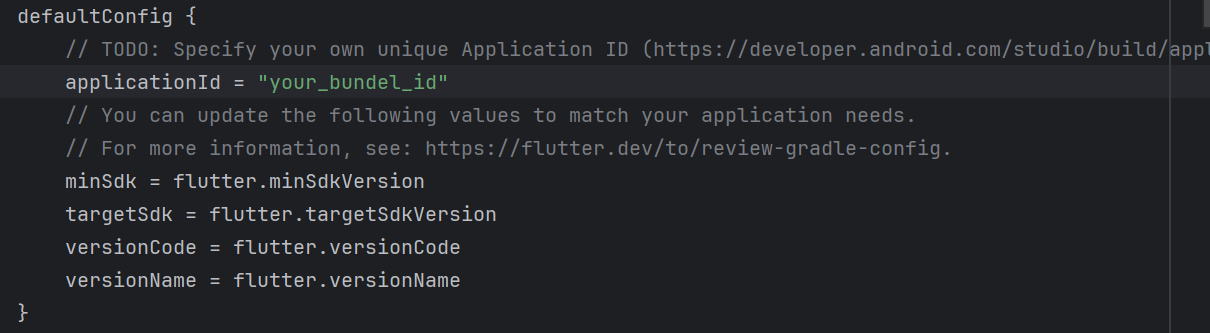
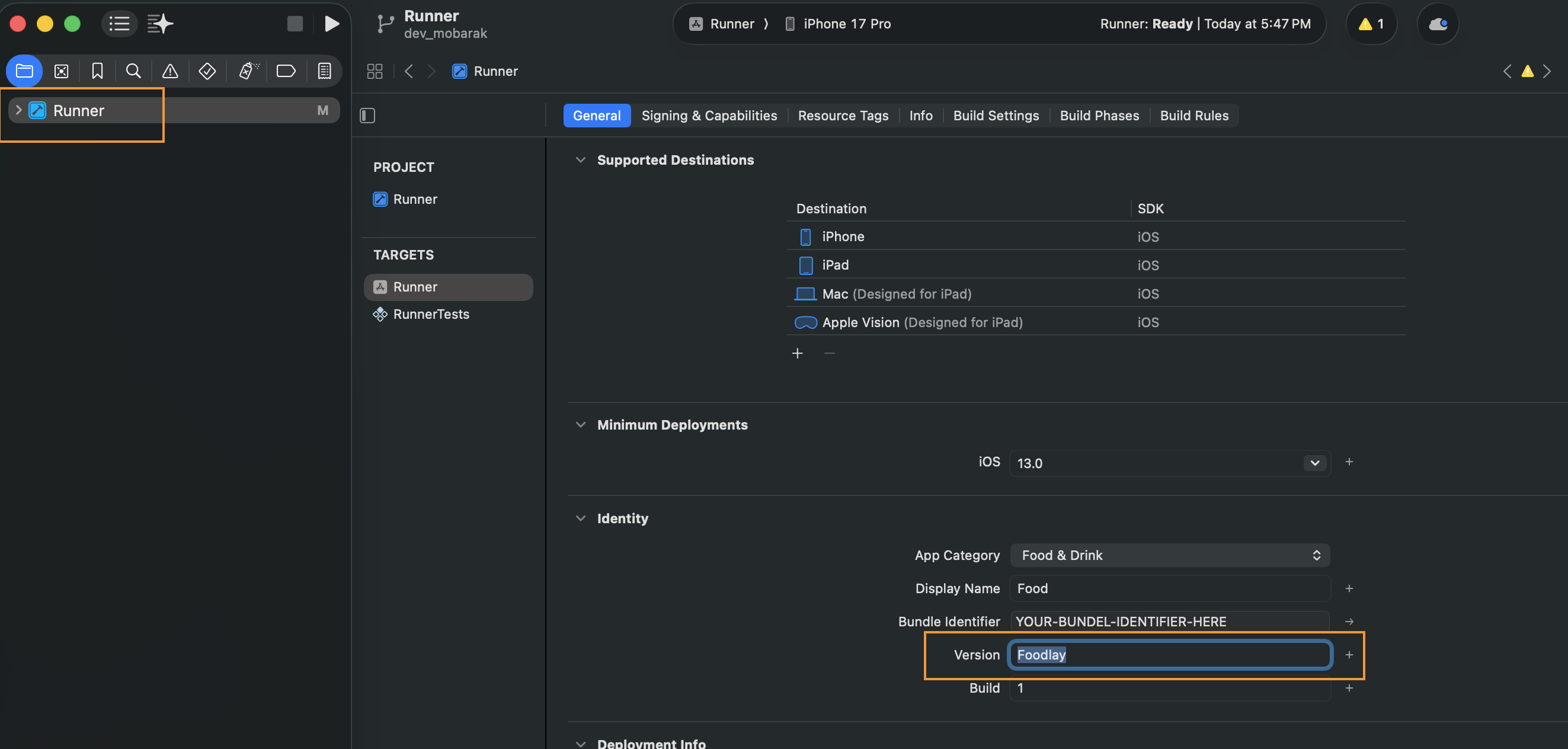
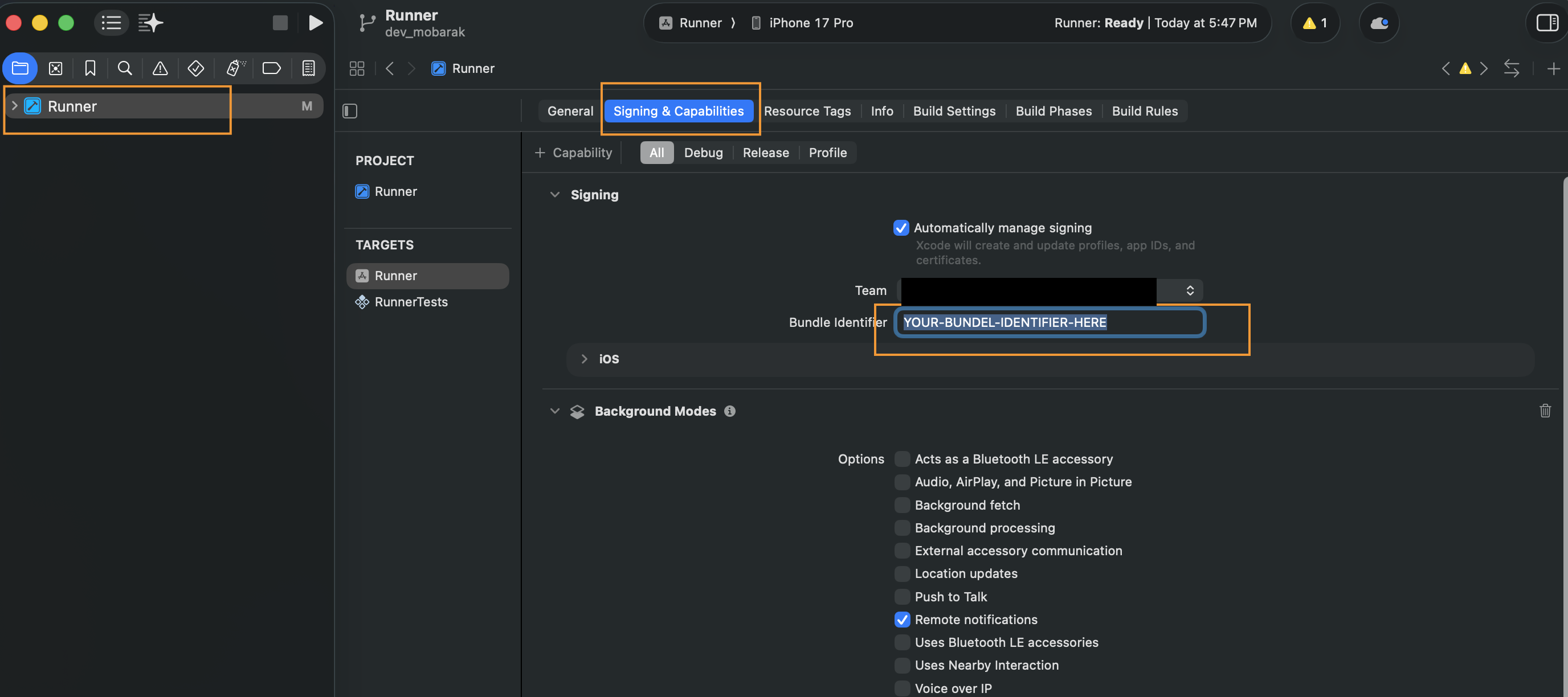
- Set application name and ID for release
- Configure Android signing and iOS capabilities
- Align minimum and target SDKs with platform requirements
Localization & RTL
- AppLocalizations setup in main.dart
- ARB files in lib/l10n/arb
- Use context.l10n and directional widgets for RTL
Theme & Branding
- Customize ThemeData (light/dark) under lib/config/theme
- Manage palette via CustomThemeColors
- Declare fonts in pubspec.yaml and reference in theme
Maps API Keys
- Restrict keys by package/bundle identifiers
- Enable required Maps SDKs and set usage limits
Core Features
- Dashboard tabs: Home, Orders, Account
- Login with password/OTP; setup password
- Orders list, details, confirmation
- Order delivery location with Google Maps (from/to)
- Cancel delivery with reason selection
- Notifications (Firebase) and local notifications
- Chat and conversations
- Settings, edit profile, terms & condition, contact us
- File viewer for images/videos
Architecture
- Routing with GoRouter and dashboard ShellRoute
- State with Bloc; DI via get_it + injectable
- ThemeLocalizationWrapper and AppWrapper
- Firebase initialized in main with NotificationHelper and background handler
- Error handling via Catcher2 (debug/release configs)
Routes
- Shell: Dashboard
- Home: /home
- Orders: /order
- Orders → Details: /order/order_details
- Orders → Result: /order/order_result
- Orders → Cancel Reason: /order/order_cancel_reason
- Orders → Delivery Location: /order/order_delivery_location
- Chat: /chat
- Chat → Conversation: /chat/conversation
- Account: /account
- Login: /login
- Login → Password: /login/password
- Login → Verification: /login/verification
- Login → Set Up Password: /login/set_up_password
- Settings: /settings
- Settings → Setup Password: /settings/settings_setup_password
- Notification: /notification
- File Viewer: /file_viewer
- Splash: /splash
- Contact Us: /contact_us
- Terms & Condition: /terms_and_condition
- Edit Profile: /edit_profile
- Forget Password Login: /forget_login
Project Structure
- lib/config/route: route_config.dart
- lib/config/theme: light_theme.dart, dark_theme.dart, custom_theme_colors.dart
- lib/config/util: assets.gen.dart, fonts.gen.dart, styles.dart, constants
- lib/core: helpers, DI, notifications, handlers
- lib/features: account, chat, orders, settings, home, etc.
- lib/l10n/arb: app_en.arb, app_ar.arb, app_bn.arb, app_es.arb, app_hi.arb
Run and Debug
flutter run
Build and Release
Android
flutter build apk
iOS
flutter build ipa
Signing & Release
- Android: configure keystore, release signing, and proguard rules
- Android: validate release checklist before publishing
- iOS: set signing identities, capabilities, and entitlements
- iOS: verify App Store release checklist
API Usage
- Use token-based authentication
- Handle pagination for lists
- Use secure storage for sensitive data
Testing
flutter test
Troubleshooting
- Gradle build failed: align plugin & wrapper versions
- Flutter SDK path not found: verify PATH includes flutter/bin
- Dependency resolution failed: flutter clean then pub get
- iOS deployment target: update Podfile and Xcode settings
- No matching Firebase client: correct bundle identifier
- Generated files missing: run build_runner with delete-conflicting-outputs
- google-services.json not found: place at android/app/google-services.json
- Maps key missing: create secrets.xml and add google_maps_api_key